
Bulk Meter Image UploadMeter Validation
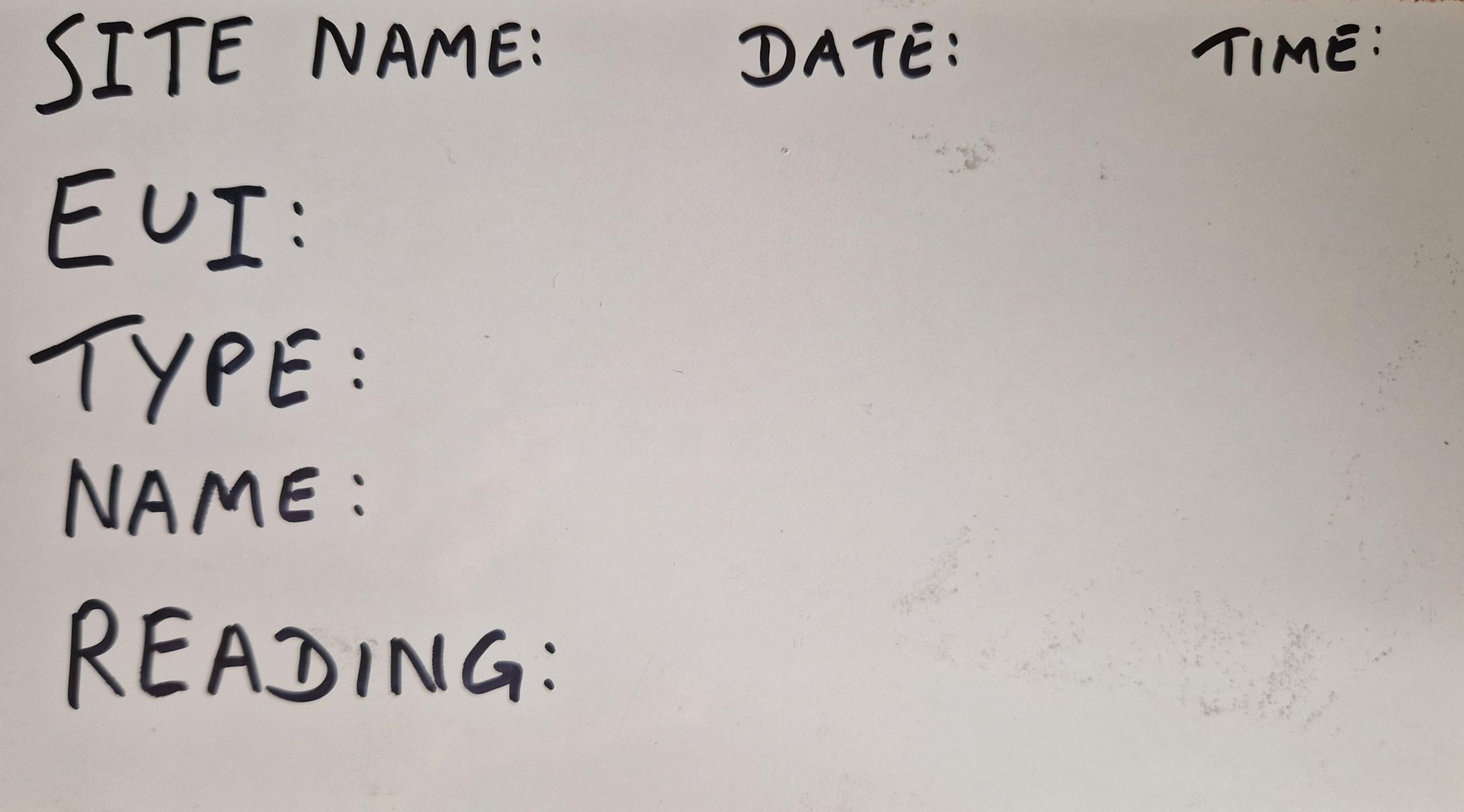
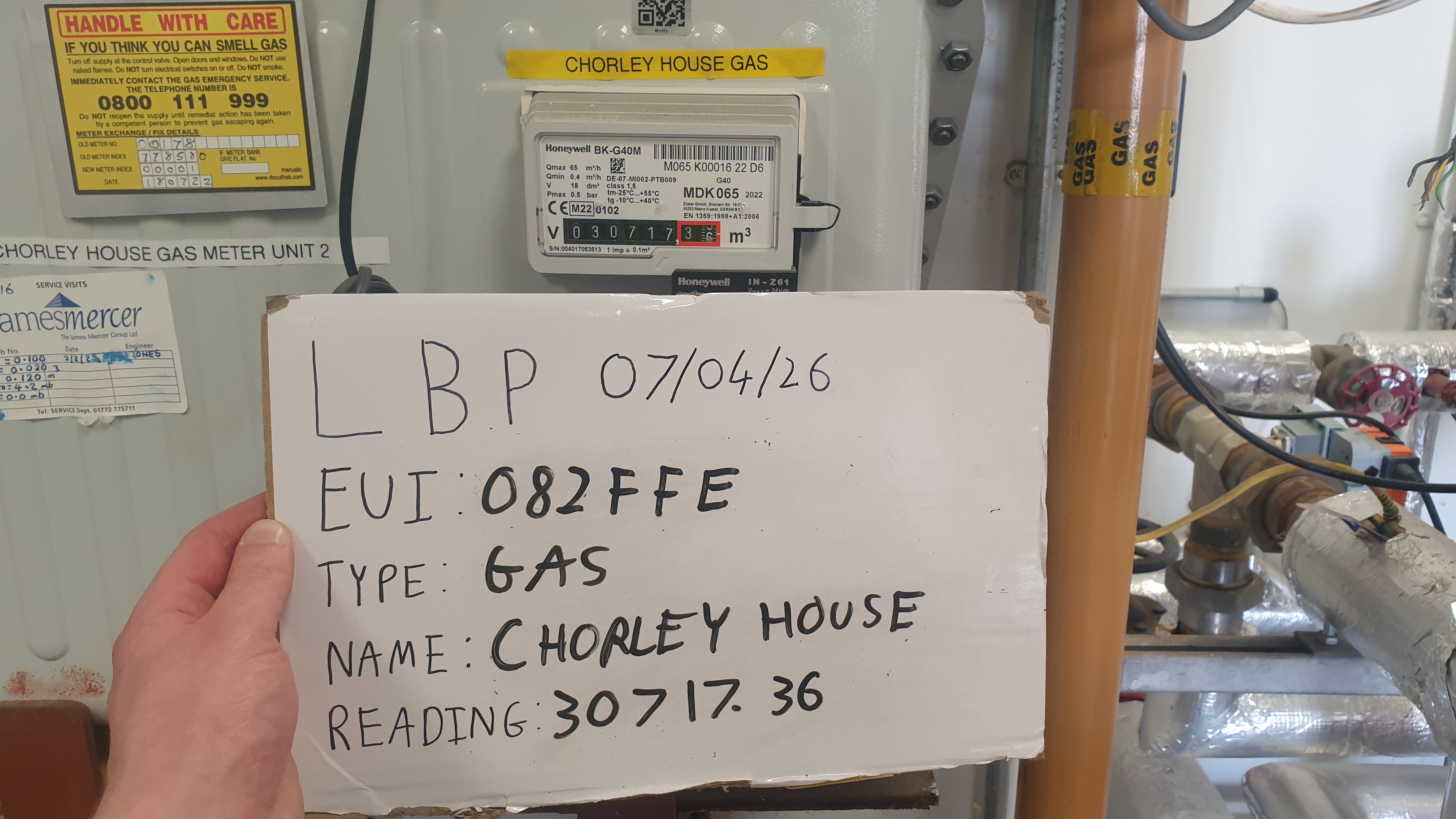
Each photo should show the meter and a completed info placard in the same shot.
The placard is a small card placed next to the meter before photographing it. Write on it:
Take photos directly from your camera app — not via WhatsApp or screenshots. The original file includes date, time and location data used for validation. You can upload multiple photos at once.
Thank you for your reading submissions. If any issues are found, the skentel team will get in touch with you.
Upload another batch